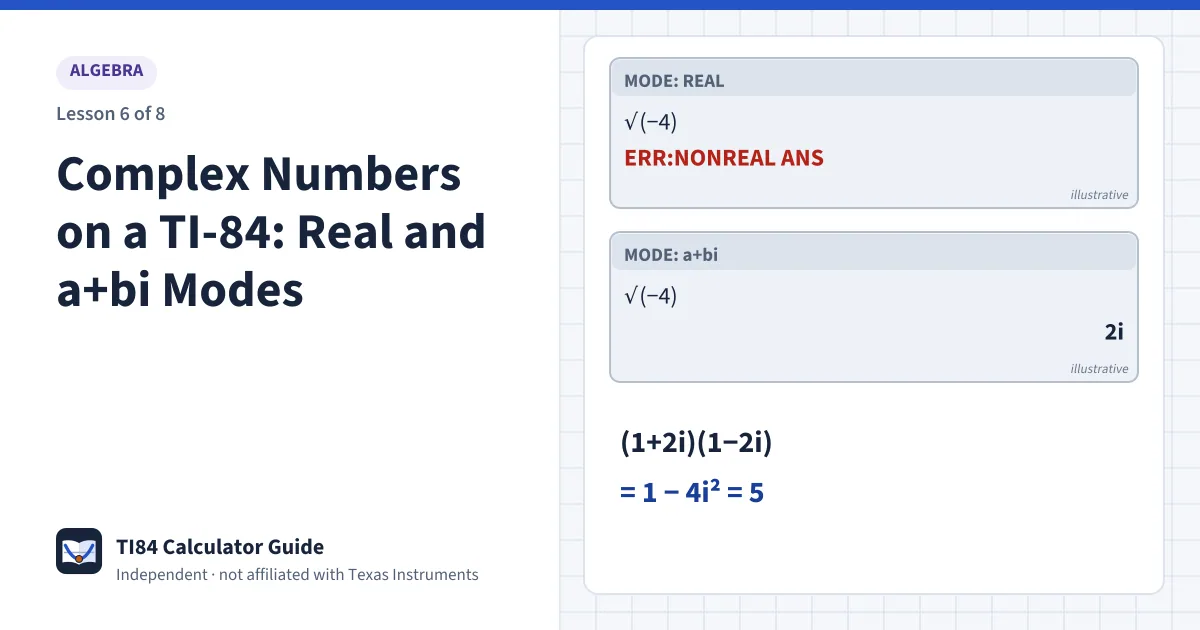
The TI-84 can work with complex numbers of the form a + bi, where i² = −1. Whether it shows a complex answer or an error depends on one MODE setting.
REAL versus a+bi
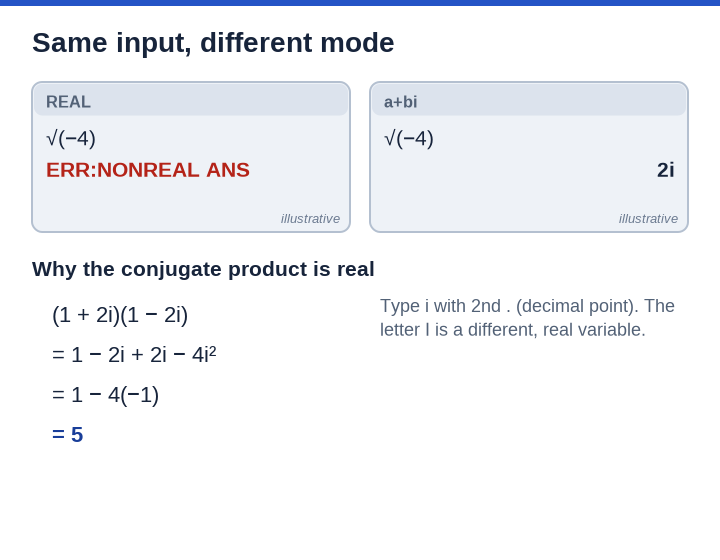
The MODE screen has a line reading REAL a+bi re^(θi):
- REAL — results must be real. A calculation that produces a complex result, such as √(−4), stops with ERR:NONREAL ANS.
- a+bi — complex results are shown in rectangular form, e.g. 2i or 3−4i.
- re^(θi) — complex results are shown in polar form.
Select a+bi, press ENTER and quit.
Typing i
The imaginary unit i is printed above the decimal-point key: press 2nd .. Do not use ALPHA I (the variable I) — that is a stored real number.
Worked examples in a+bi mode
| Entry | Result | Why |
|---|---|---|
√(−4) |
2i | √(−4) = √4 · √(−1) = 2i |
i² |
−1 | Definition of i |
(3+4i)+(1−2i) |
4+2i | Add real and imaginary parts |
(1+2i)(1−2i) |
5 | 1 − 4i² = 1 + 4 = 5 |
(2+i)/(1−i) |
.5+1.5i | Multiply top and bottom by the conjugate 1 + i |
Check the last one by hand: (2 + i)(1 + i) / ((1 − i)(1 + i)) = (2 + 3i + i²)/2 = (1 + 3i)/2 = 0.5 + 1.5i.
The CMPLX menu
Press MATH and move right to CMPLX:
| Item | Example | Result |
|---|---|---|
| conj( | conj(3+4i) | 3−4i |
| real( | real(3+4i) | 3 |
| imag( | imag(3+4i) | 4 |
| angle( | angle(3+4i) | .927295218 (radians) |
| abs( | abs(3+4i) | 5 |
The angle depends on the Radian/Degree setting: in Degree mode, angle(3+4i) is 53.13010235.
Complex roots of quadratics
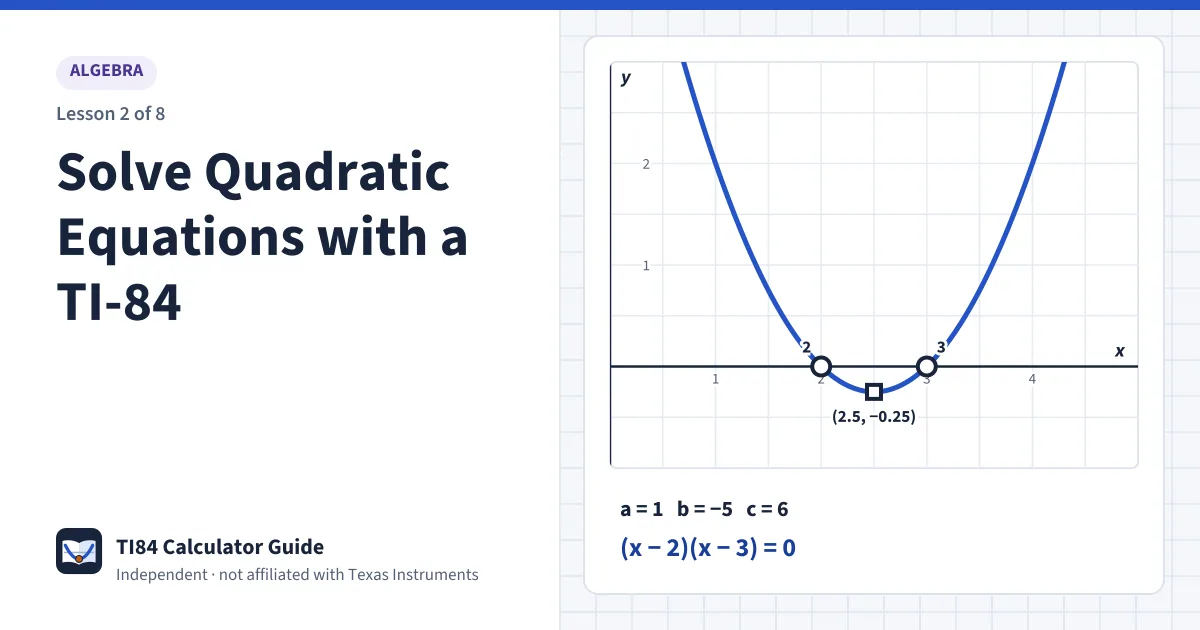
x² + 2x + 5 = 0 has discriminant 4 − 20 = −16. With the quadratic formula on the home screen in a+bi mode, (−2+√(−16))/2 gives −1+2i and (−2−√(−16))/2 gives −1−2i. In REAL mode the same formula stops at the square root. A graph of y = x² + 2x + 5 never crosses the x-axis, which is the visual sign of non-real roots. See solving quadratics.
Common mistakes
- Expecting complex results in REAL mode. Change MODE first.
- Using the letter I. Use 2nd . for i.
- Graphing complex functions. The graph screen plots real values only; complex results are home-screen work.
- Leaving a+bi on. Some courses expect NONREAL ANS as a warning that a real problem has no real answer. Switch back to REAL when you are done.
Practice
Our independent quadratic solver reports complex conjugate roots when the discriminant is negative — for (1, 0, 1) it shows ±i, and for (1, 2, 5) it shows −1 ± 2i. It does not do general complex arithmetic and is not a TI-84 emulator.
Sources
- TI-84 Plus Graphing Calculator Guidebook (PDF) — Texas Instruments (checked November 23, 2026)
- Getting Started with the TI-84 Plus CE Graphing Calculator (PDF) — Texas Instruments (checked November 23, 2026)
How this guide was made: written by Paul B. Spicer with AI drafting assistance, following our editorial policy. Key sequences and menu names were checked against the Texas Instruments documents listed above; numeric examples are recomputed by automated tests. Diagrams are original illustrations, not screenshots. TI84 Calculator Guide is independently operated and is not affiliated with, sponsored by or endorsed by Texas Instruments. TI-84 Plus, TI-84 Plus CE and related names are used only to describe the calculators our guides cover. Found a mistake? Send a correction.