
Step 1 · Models & Software
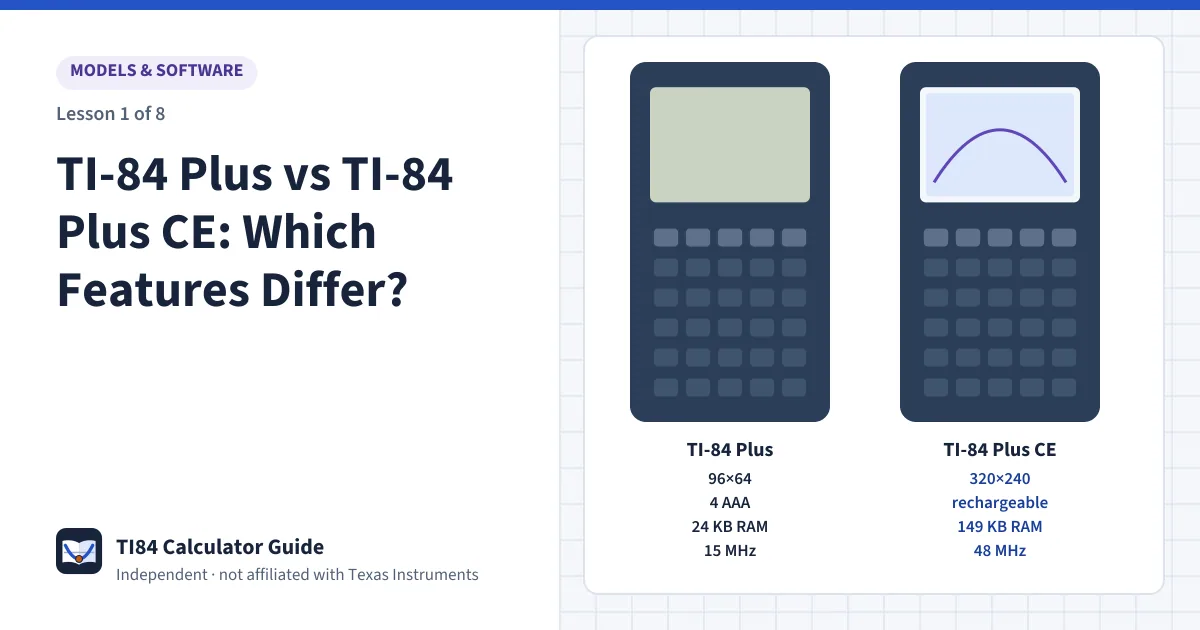
TI-84 Plus vs TI-84 Plus CE: Which Features Differ?
Screen, battery, memory and speed differences from Texas Instruments’ own specification pages, plus the menus and math that work the same on both models.
Type at least two letters.
Learning hub · 8 lessons
Which TI-84 do you have, what can it run, how do you move files on and off it, and can you use it on test day? These questions sit around the math, but getting them wrong costs time — or a calculator at the exam door.
Every page in this hub is built from Texas Instruments’ product and support pages or from the College Board’s and ACT’s own policy pages, with the date we checked them. Policies change, so each page tells you where to confirm.
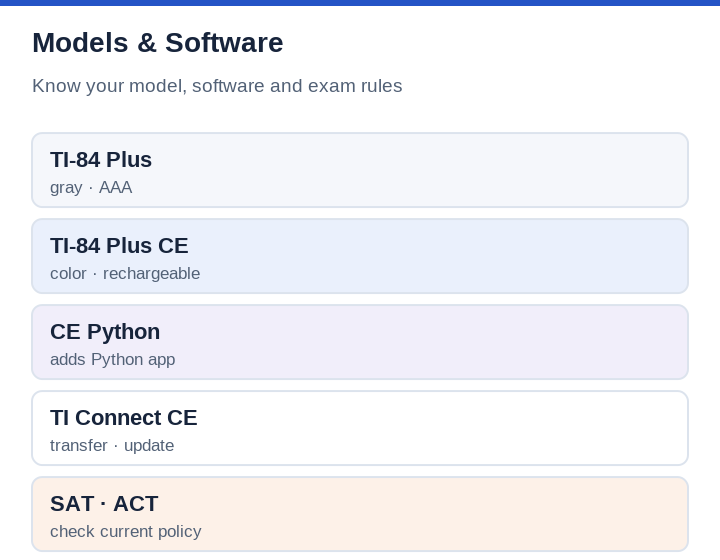
Identify your model and compare the Plus with the CE first. Then cover Python and online options, followed by TI Connect CE and OS updates. The SAT and ACT policy summaries come last; check them again close to test day.
Screen, battery, memory and speed differences from Texas Instruments’ own specification pages, plus the menus and math that work the same on both models.
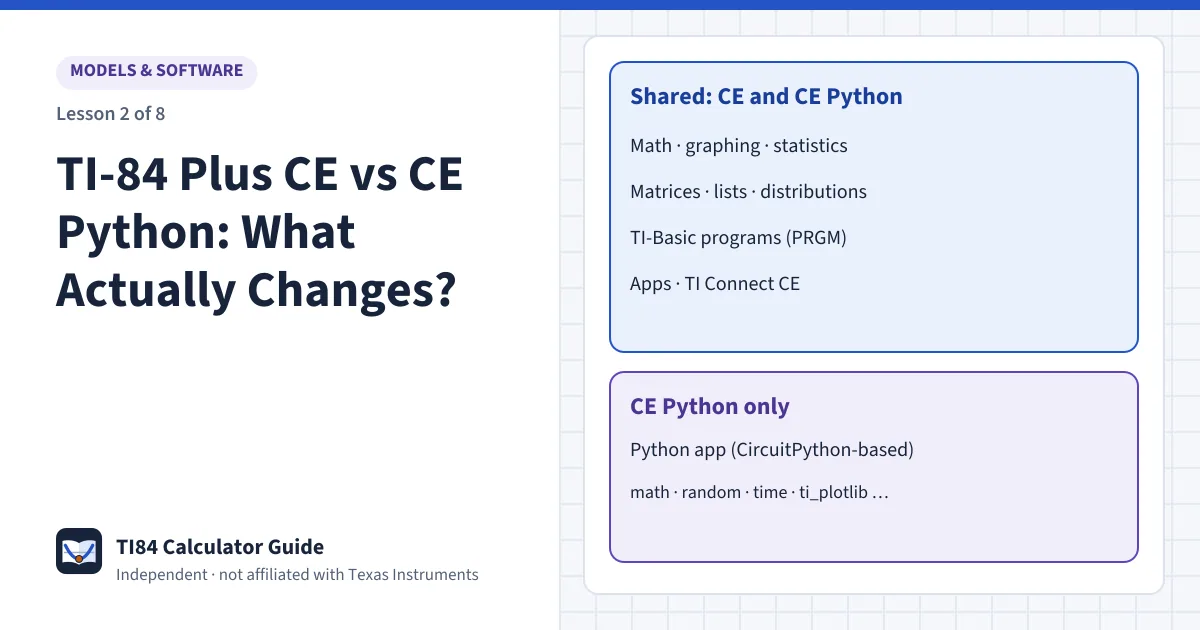
Python programming is the difference: a preinstalled Python app with TI modules. Everything else — math, graphing, statistics and TI-Basic — works as on the CE.
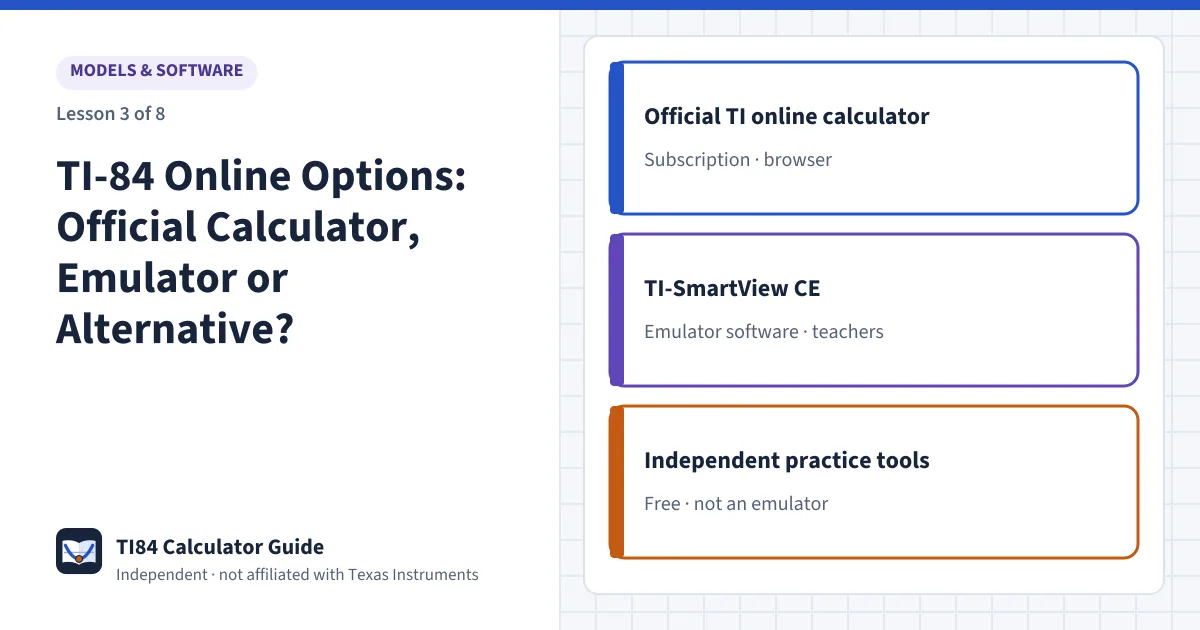
Three honest routes: the official TI-84 Plus CE Online Calculator, TI’s TI-SmartView CE emulator software, and independent browser tools for the math itself — with limits.
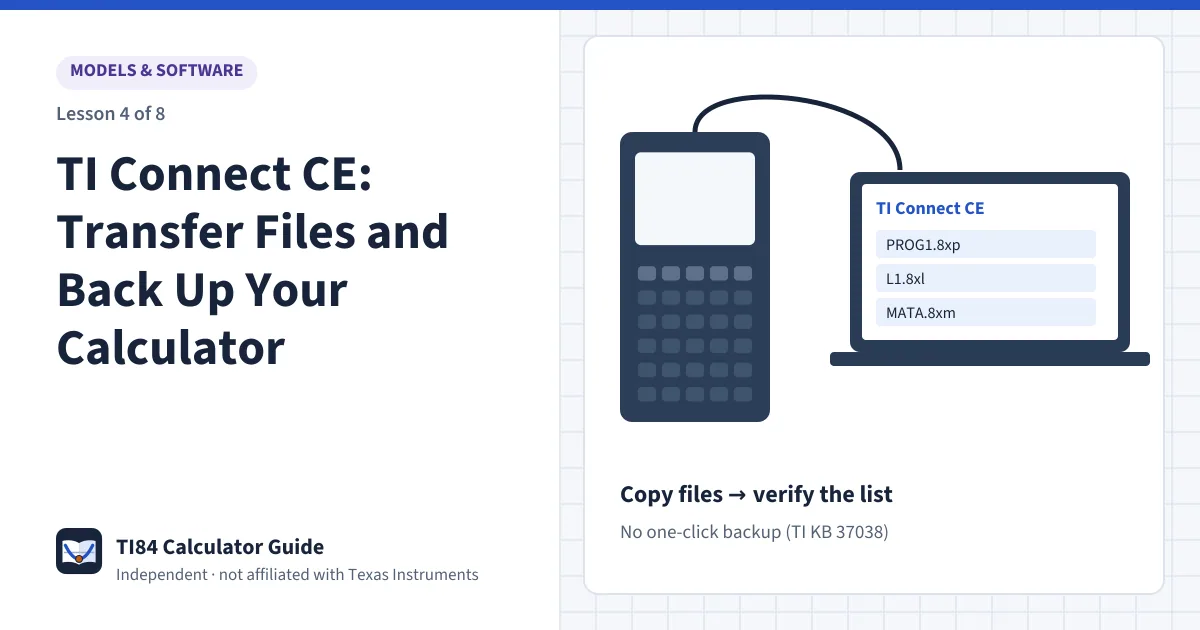
Install TI Connect CE from Texas Instruments, connect by USB, copy selected files to your computer and send them back. Includes what a file copy is — and is not.
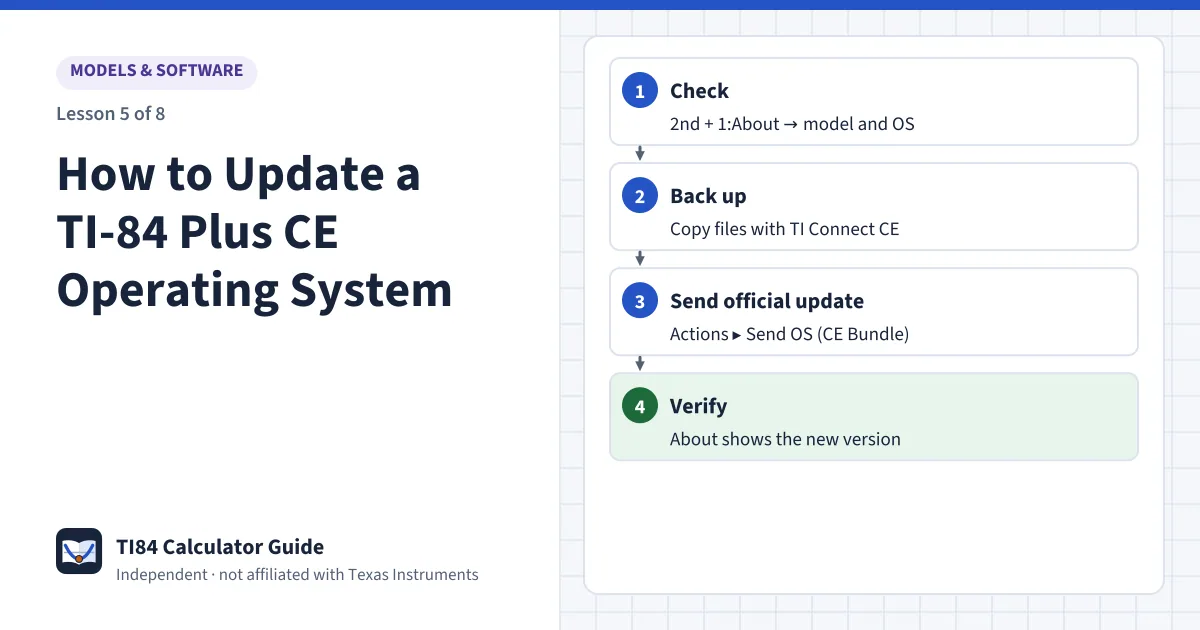
Check the OS in MEM About, back up, download TI’s CE Bundle, send it with TI Connect CE and verify the new version — following TI’s knowledge-base steps.
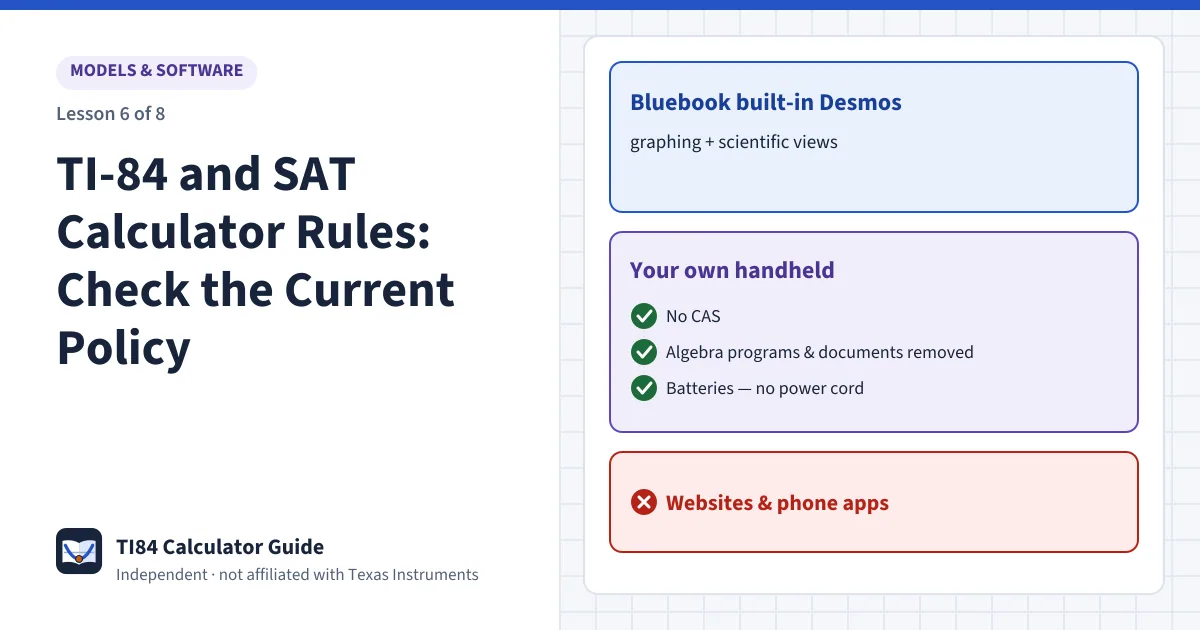
The College Board no longer keeps a permitted-model list. It bans CAS and certain features, requires stored programs and documents to be removed, and offers Desmos in Bluebook.
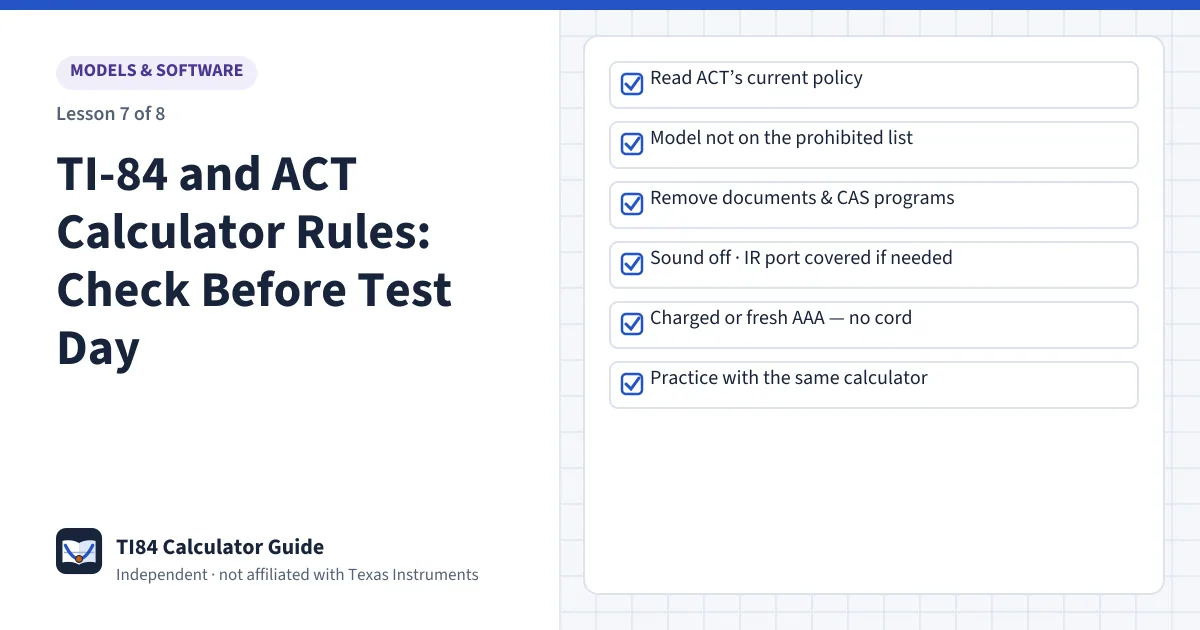
ACT permits four-function, scientific and graphing calculators unless prohibited, bans CAS models and requires certain modifications. A checklist for preparing a TI-84.
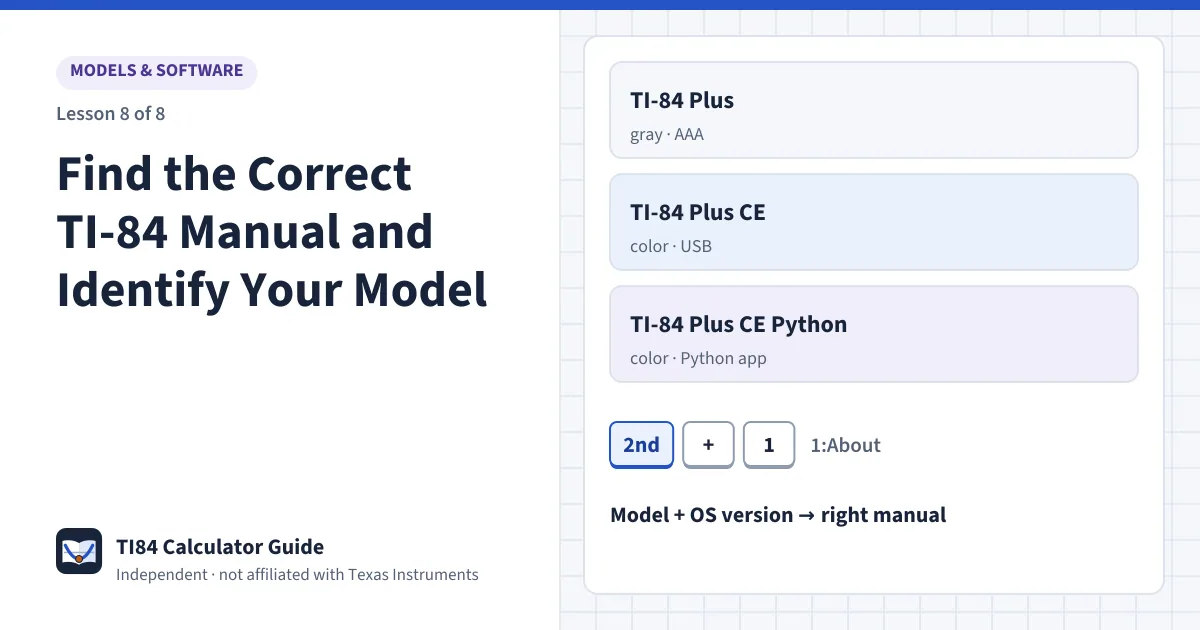
Identify your exact model from the faceplate, screen and power source, confirm the OS version in MEM ▸ About, and open the matching official Texas Instruments guidebook.
Texas Instruments has also released the TI-84 Evo, with its own documentation. Our lessons are checked against the TI-84 Plus and TI-84 Plus CE family; where the Evo differs, use TI’s Evo guides.