
Getting Started
Degrees and Radians on a TI-84: Set and Check the Mode
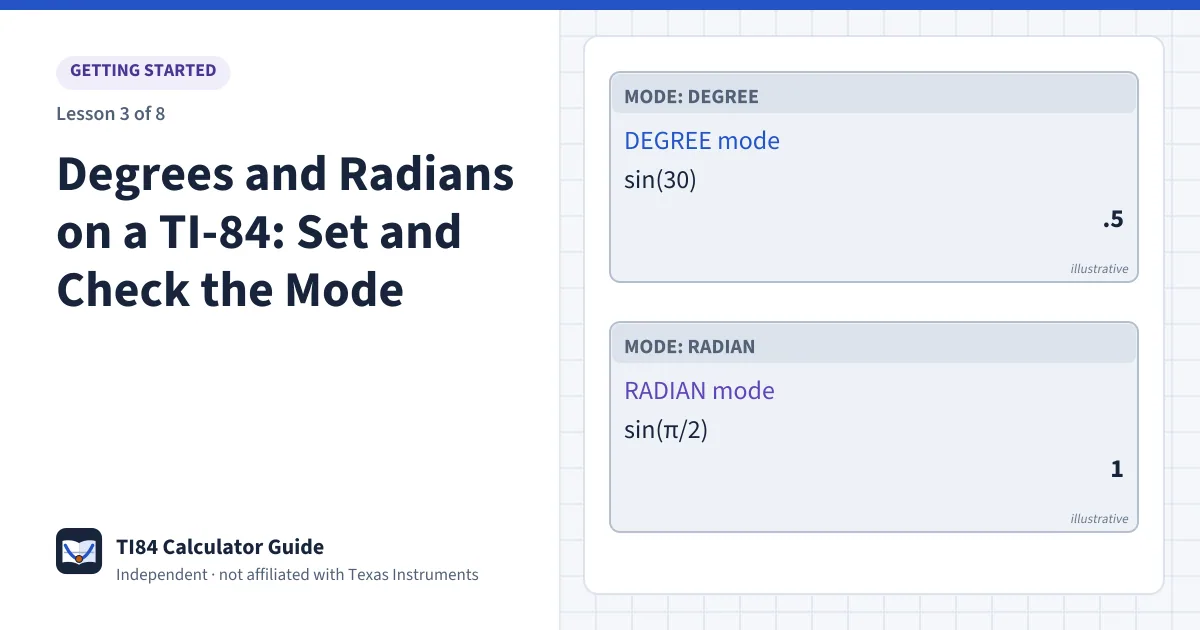
Why sin(30) can show −.988 instead of .5, how to switch between Degree and Radian in MODE, and how to override the mode for a single entry.
Type at least two letters.
Independent practice tool · free · runs in your browser
A keyboard-friendly scientific calculator for checking home-screen style calculations: order of operations, powers and roots, logarithms, trigonometry in degrees or radians, and E notation. It follows the usual textbook conventions and explains errors in plain language. It is an independent practice tool, not a TI-84 emulator.
sin(30) or 1/2+1/3.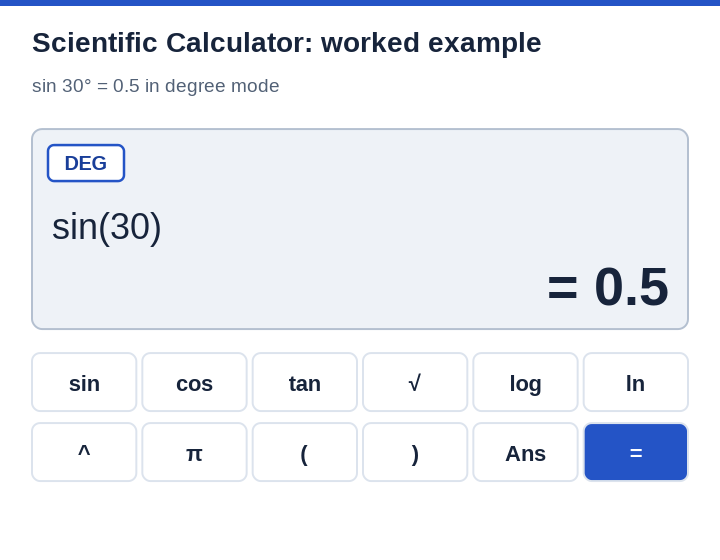
Expressions are parsed by a safe recursive-descent parser (no eval). Powers are right-associative, so 2^3^2 is 2^(3^2) = 512 — the textbook convention, which differs from typing the same line in Classic mode on a TI-84. In degree mode, standard angles return exact values (sin 30° = 0.5 exactly). log is base 10 and ln is natural log; a lone e is Euler’s number while 3.2E5 is E notation.
On a TI-84 these calculations happen on the home screen, with MODE controlling degree or radian. This page does not imitate those menus; the guides below give the verified key sequences.
The calculator is in radian mode, so 30 means 30 radians. Switch to Degrees and sin(30) is 0.5.
The power is applied before the negative sign, as on a TI-84 and in algebra. Type (-3)^2 to get 9.
History is kept only for this browser tab session and is never sent to a server.
TI84 Calculator Guide is independently operated and is not affiliated with, sponsored by or endorsed by Texas Instruments. TI-84 Plus, TI-84 Plus CE and related names are used only to describe the calculators our guides cover.
Why sin(30) can show −.988 instead of .5, how to switch between Degree and Radian in MODE, and how to override the mode for a single entry.
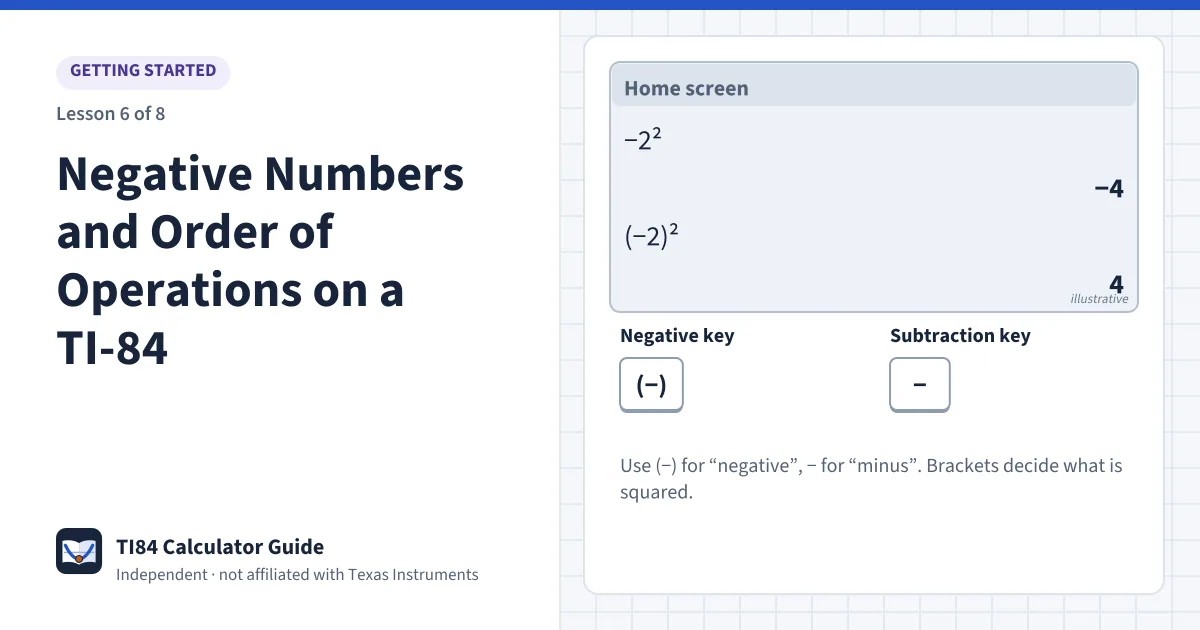
The (−) key versus the minus key, why −2^2 gives −4 but (−2)^2 gives 4, and a bracket checklist for fractions, powers and implied multiplication.
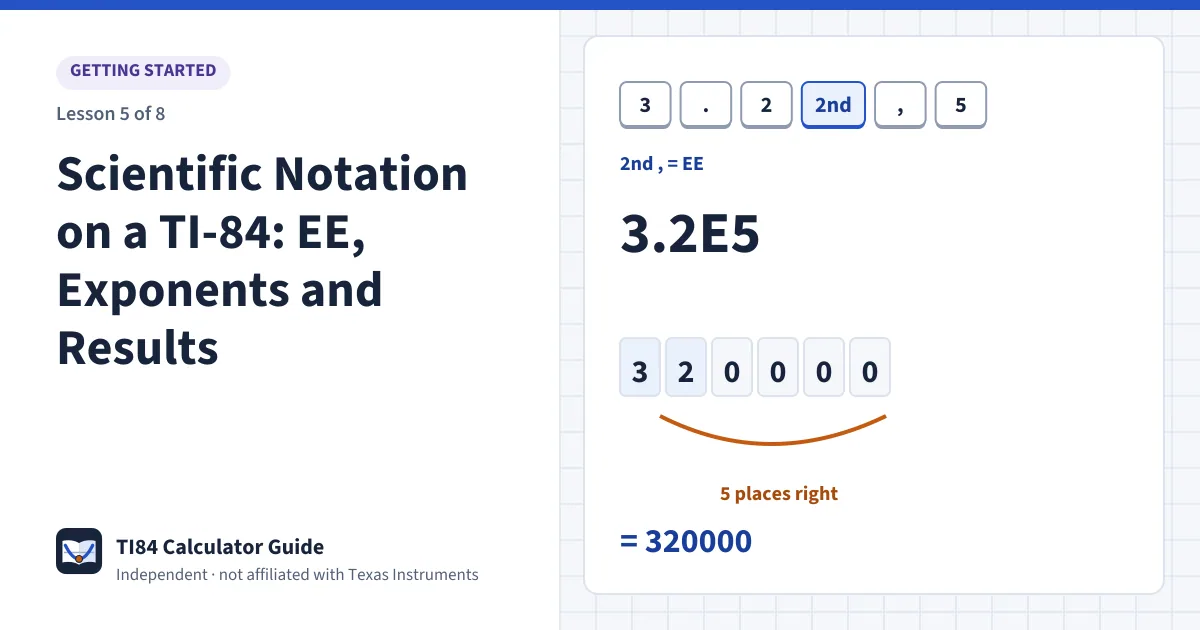
Enter 3.2 × 10⁵ with the EE key, read E-notation results, and avoid the common EE versus e mix-up. Worked: 3.2E5 = 320000 and 4.5E−3 = .0045.