Most “wrong answers” on a TI-84 are right answers to a different question. The usual cause is a negative sign or a missing bracket. This lesson shows exactly how the calculator reads them.
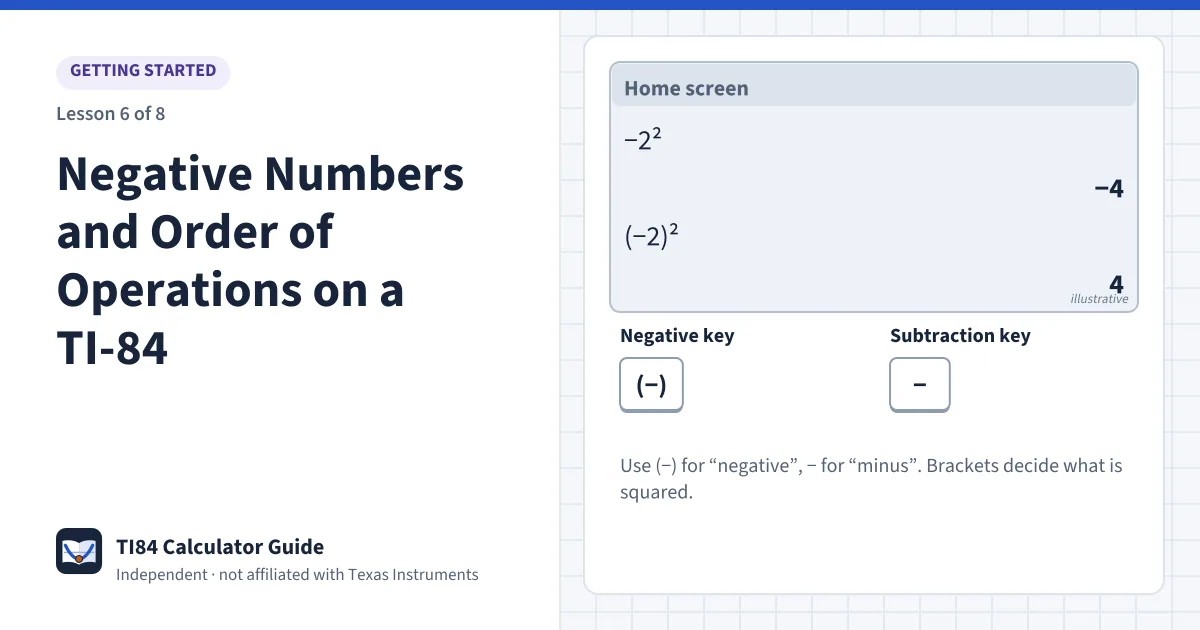
Two keys that look alike
| Key | Location | Use it for | Example |
|---|---|---|---|
| (−) | bottom row, next to ENTER | A negative number | −5 |
| − | right-hand column | Subtracting | 8 − 5 |
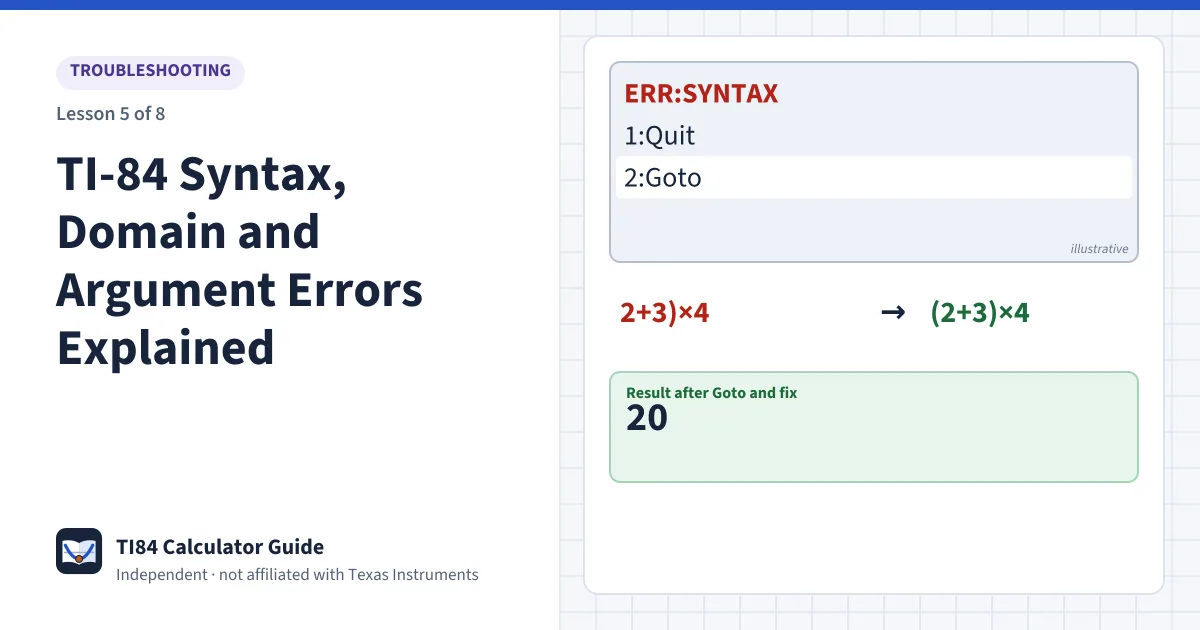
The TI-84 Plus guidebook treats these as different operations. If you start an expression with the subtraction key, the calculator subtracts from the previous answer (it inserts Ans−). If you use (−) in the middle of an expression where subtraction is needed, such as 8(−)5, you get ERR:SYNTAX.
−2² versus (−2)²
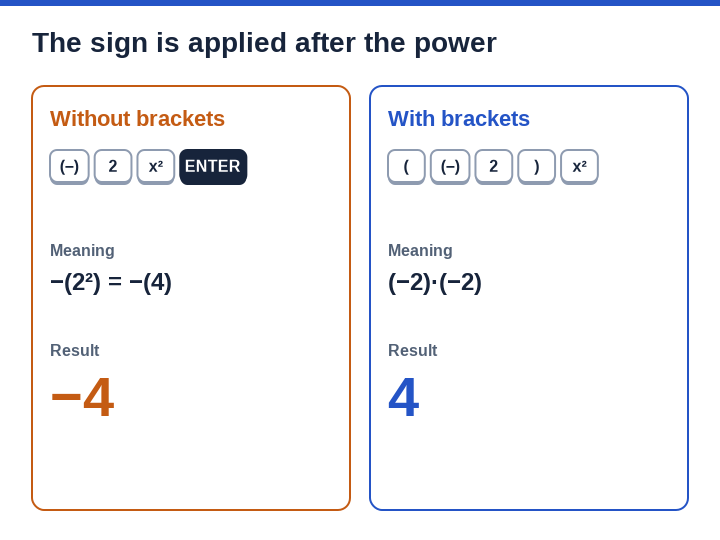
Type each of these and compare:
- (−) 2 x² ENTER → −4
- ( (−) 2 ) x² ENTER → 4
On the TI-84 the negation is done after powers, so −2² means −(2²). This matches the usual algebra convention: −x² with x = 2 is −4. When you substitute a negative value into x², always put it in brackets.
The order the TI-84 uses
From the TI-84 Plus guidebook’s order of evaluation, simplified for everyday work:
- Brackets and function calls such as
sin(and√( - Functions that come after a value, such as
²,⁻¹and! - Powers
^(andˣ√) - Negation
(−) - Multiplication, division and implied multiplication, left to right
- Addition and subtraction, left to right
So 8−2×3 is 2, (8−2)×3 is 18, 2×3^2 is 18, and (2×3)^2 is 36.
Implied multiplication
Writing two things next to each other multiplies them: 2π, 3(4+1) and 2X all work. On the TI-84, implied multiplication has the same priority as × and ÷, so 6/2(3) is evaluated left to right as (6 ÷ 2) × 3 = 9. If you mean 6 ÷ (2 × 3), type 6/(2×3) to get 1. Brackets remove any doubt.
Fractions need brackets around sums
The division key divides only the next value. These are different:
1+2/3+4= 1 + (2 ÷ 3) + 4 ≈ 5.666666667(1+2)/(3+4)= 3 ÷ 7 ≈ .4285714286
The same applies to exponents: 2^3+1 is 9, but 2^(3+1) is 16.
Subtracting from the previous answer
If the first key you press on a new line is −, +, ×, ÷ or ^, the TI-84 starts the line with Ans. That is handy for chains of calculations — but if you meant a negative number, you will get Ans − 5 instead of −5. Use (−).
Common mistakes
(−)in place of minus inside an expression → ERR:SYNTAX. Replace it with −.- Forgetting brackets around a negative base → the sign is applied after the power.
- Trusting a long one-line fraction → add brackets or use the CE’s n/d template.
Practice
Predict, then check: −3^2 (−9), (−3)^2 (9), 12/3×2 (8), 24/4/2 (3), 10−4+1 (7). Our independent scientific calculator uses the same convention for −3^2 and shows −9. It is a practice tool, not a TI-84 emulator, so it has a single minus key that it interprets from context.
Sources
- TI-84 Plus Graphing Calculator Guidebook (PDF) — Texas Instruments (checked November 23, 2026)
How this guide was made: written by Paul B. Spicer with AI drafting assistance, following our editorial policy. Key sequences and menu names were checked against the Texas Instruments documents listed above; numeric examples are recomputed by automated tests. Diagrams are original illustrations, not screenshots. TI84 Calculator Guide is independently operated and is not affiliated with, sponsored by or endorsed by Texas Instruments. TI-84 Plus, TI-84 Plus CE and related names are used only to describe the calculators our guides cover. Found a mistake? Send a correction.