
Graphing
How to Graph Functions on a TI-84
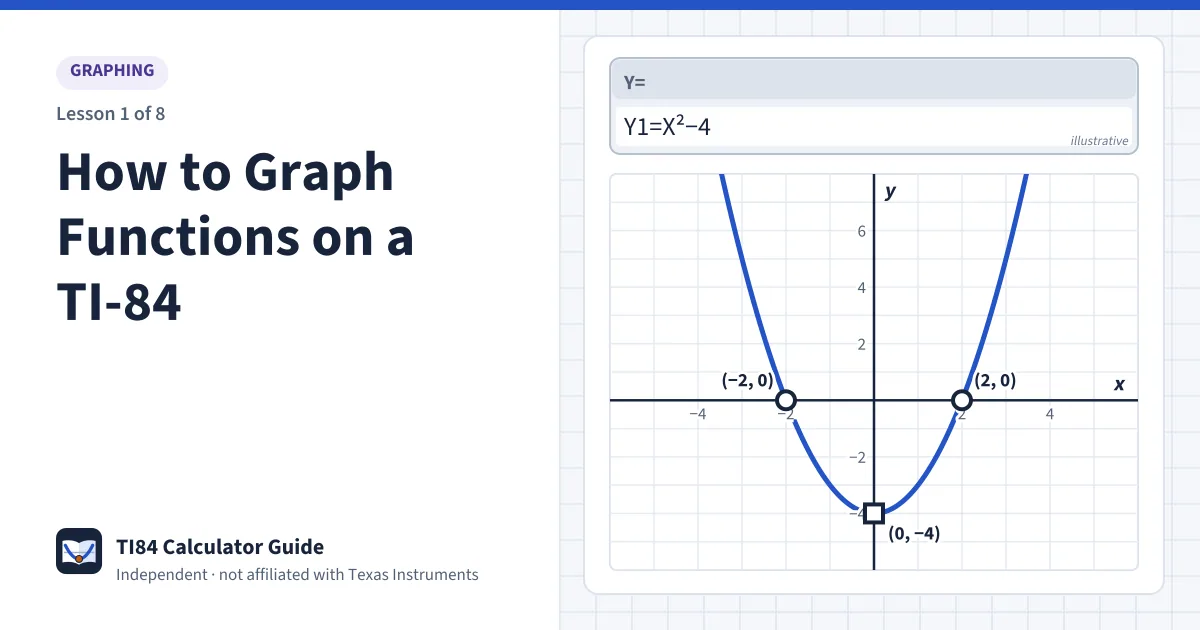
The complete Y= to GRAPH workflow: clear conflicting equations and stat plots, enter y = x² − 4, set a standard window, then trace roots and the vertex.
Type at least two letters.
Independent practice tool · free · runs in your browser
Type a function such as x^2-4 and the graph appears straight away. The tool marks roots and intersections it finds inside the visible window, evaluates f(x) at any x, and builds a value table you can download. It is an independent practice tool that uses its own expression engine — it is not a TI-84 emulator, so there is no Y= key, CALC menu or TI keystroke sequence.
x^2-4, 2x+1, sqrt(x), abs(x-2)-1, sin(x), 1/x, 2^x, log(x) or ln(x). A leading y = is optional.2x, 3(x+1), (x+1)(x-1), 2pi. Use brackets after every function name: sin(x).-x^2 means −(x²). Powers group right to left: 2^3^2 = 29.log is base 10; ln is base e. pi or π and e are constants.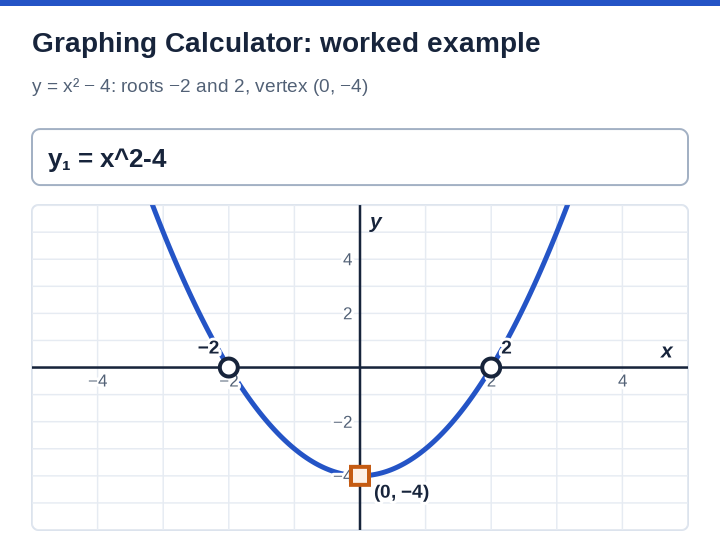
Loading the interactive graph… If nothing appears, JavaScript may be disabled; the worked examples below still show correct results.
Roots and intersections are numeric estimates found within the visible window (rounded to 6 decimal places). Points outside the window are not searched. Zoom out or move the window to look elsewhere.
x^2-4. Use * or implied multiplication such as 2x. Each curve is sampled at many points across the window. Gaps are left where the function is undefined or jumps (such as tan x at its poles), instead of joining across an asymptote. Roots are located from sign changes and refined numerically; touching roots such as (x − 1)² are found by searching for a minimum of |f|. Results are estimates to about ten significant figures and only cover the visible window.
On a TI-84 the same tasks use Y=, WINDOW, GRAPH, TABLE and the CALC menu. This page does not imitate those menus; the guides below give the verified key sequences.
It does the same mathematics for y = f(x) graphs — plotting, roots, intersections and tables — but it is not an emulator and does not reproduce TI-84 menus or keystrokes.
Type x^2. Other powers use ^ too, for example x^3 or 2^x.
No. Graphs are calculated in your browser. The functions you type are kept only in the page address so you can bookmark or share a graph.
TI84 Calculator Guide is independently operated and is not affiliated with, sponsored by or endorsed by Texas Instruments. TI-84 Plus, TI-84 Plus CE and related names are used only to describe the calculators our guides cover.
The complete Y= to GRAPH workflow: clear conflicting equations and stat plots, enter y = x² − 4, set a standard window, then trace roots and the vertex.
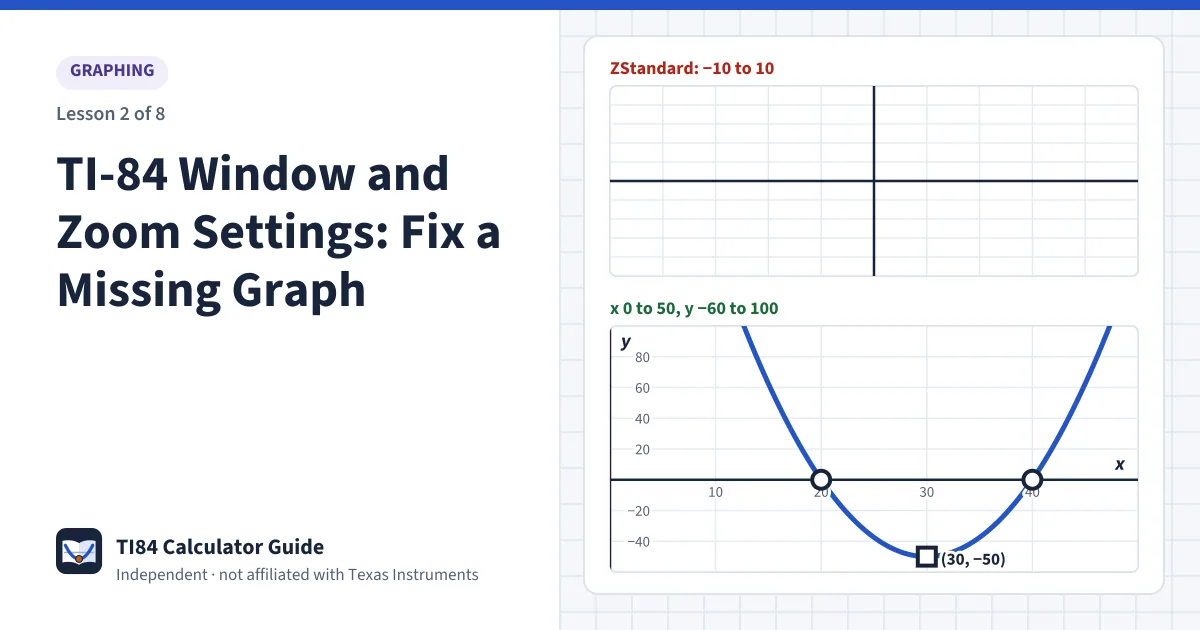
The graph of y = 0.5x² − 30x + 400 is invisible in the standard window but clear in x 0 to 50, y −60 to 100. Learn to read and set WINDOW and ZOOM.
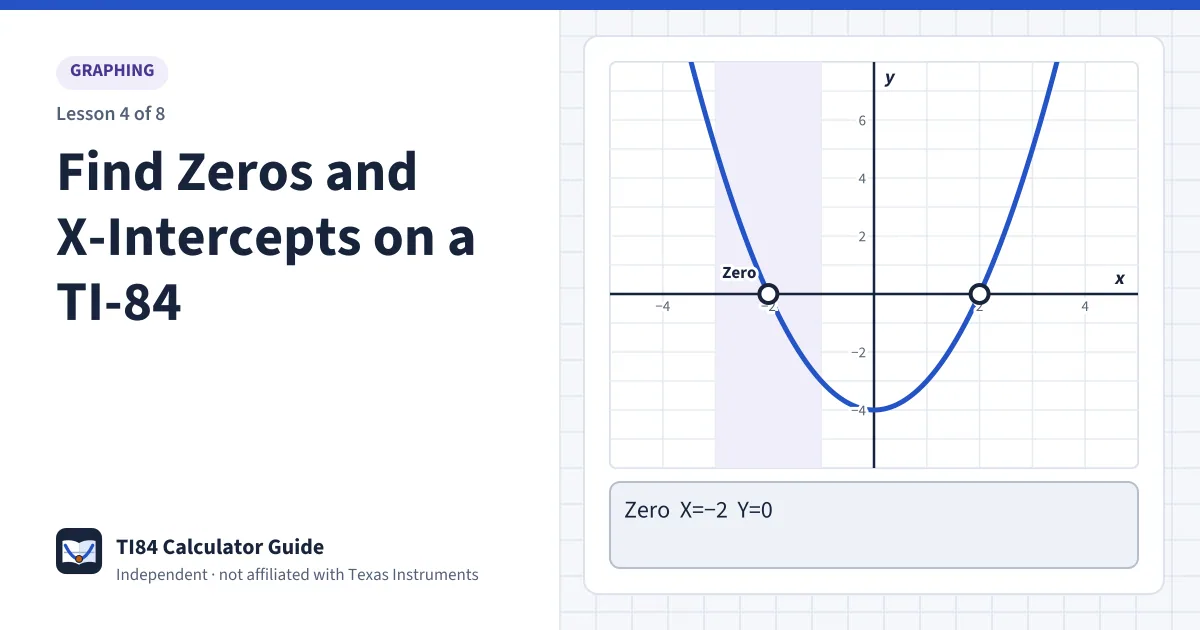
Bracket each root with Left Bound and Right Bound, then Guess. Find the zeros of x² − 4, and learn why a touching root like (x − 1)² needs a different method.