A TI-84 measures angles in either degrees or radians, and it uses whichever mode is selected for every trig calculation. The same keystrokes give different answers in the two modes, so checking the mode is the first fix for a “wrong” trig answer.
Why the mode matters
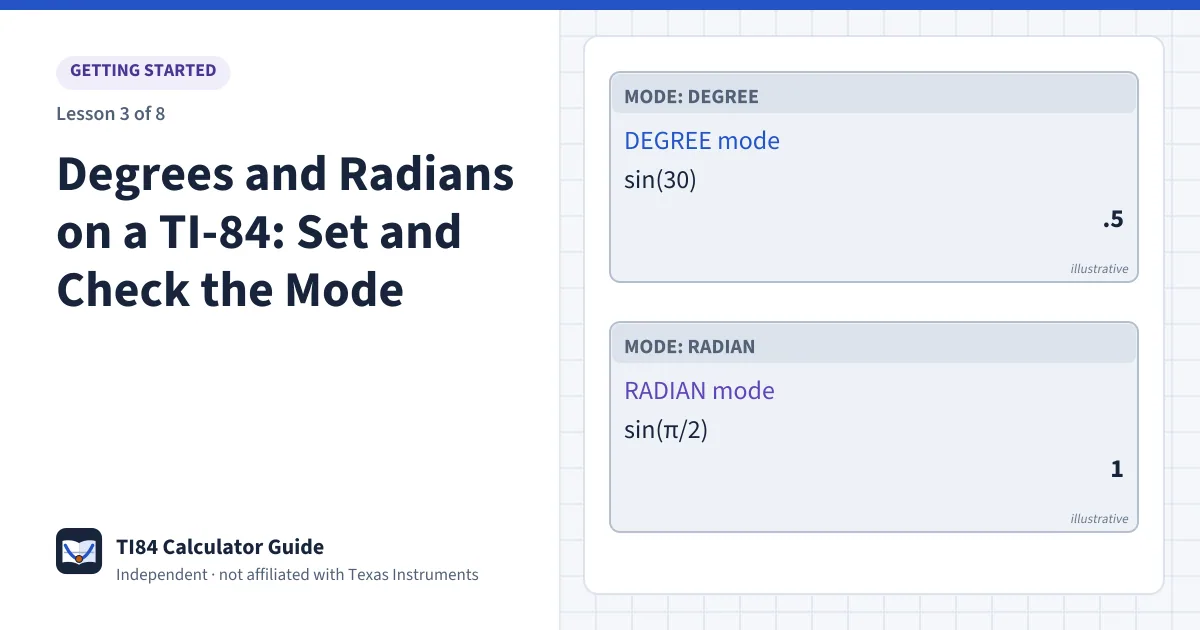
The input sin(30) means two different things:
| Mode | What 30 means | sin(30) displays |
|---|---|---|
| Degree | 30 degrees | .5 |
| Radian | 30 radians (about 1,719°) | −.9880316241 |
Neither answer is a calculator error — they are the sines of two different angles. Most geometry and introductory trigonometry problems use degrees; calculus, and graphs with π on the x-axis, normally use radians.
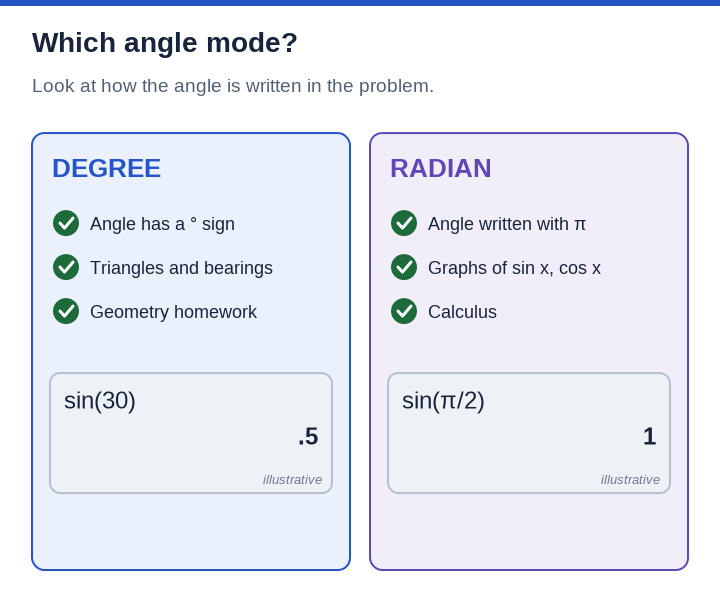
Set the angle mode
- Press MODE.
- Arrow down to the line that reads
RADIAN DEGREE. On screens that start with a MATHPRINT CLASSIC line (the CE and MathPrint versions of the Plus operating system) it is the fourth line, below Normal/Sci/Eng and Float. - Move to the mode you want with ◄ or ► and press ENTER. Only the highlighted word is active.
- Press 2nd MODE (QUIT).
The setting stays until you change it or reset the defaults. The calculator does not switch back when you turn it off.
Check it with two known values
- In Degree mode, type SIN 3 0 ) ENTER. You should see .5.
- In Radian mode, type SIN 2nd ^ (π) ÷ 2 ) ENTER. You should see 1.
These two checks are worth memorizing. If sin(30) does not give .5 when you expect degrees, the mode is wrong.
Override the mode for one entry
You can mark a single angle without changing MODE. Press 2nd APPS to open the ANGLE menu:
- 1:° marks a value as degrees. In Radian mode,
sin(30°)still gives .5. - 3:r marks a value as radians. In Degree mode,
sin((π/2)r)gives 1.
This is useful when one homework question uses the other unit, but it is easy to forget the marker. Changing MODE is clearer for a whole set of problems.
Converting between the units
The relationships are exact: 180° = π radians, so
- radians = degrees × π ÷ 180, and
- degrees = radians × 180 ÷ π.
For example, 30° = π/6 ≈ .5235987756 radians, and 2 radians ≈ 114.5915590°. The ANGLE menu also has ►DMS for degrees-minutes-seconds display.
How the mode affects graphs and inverse trig
- Graphs. With
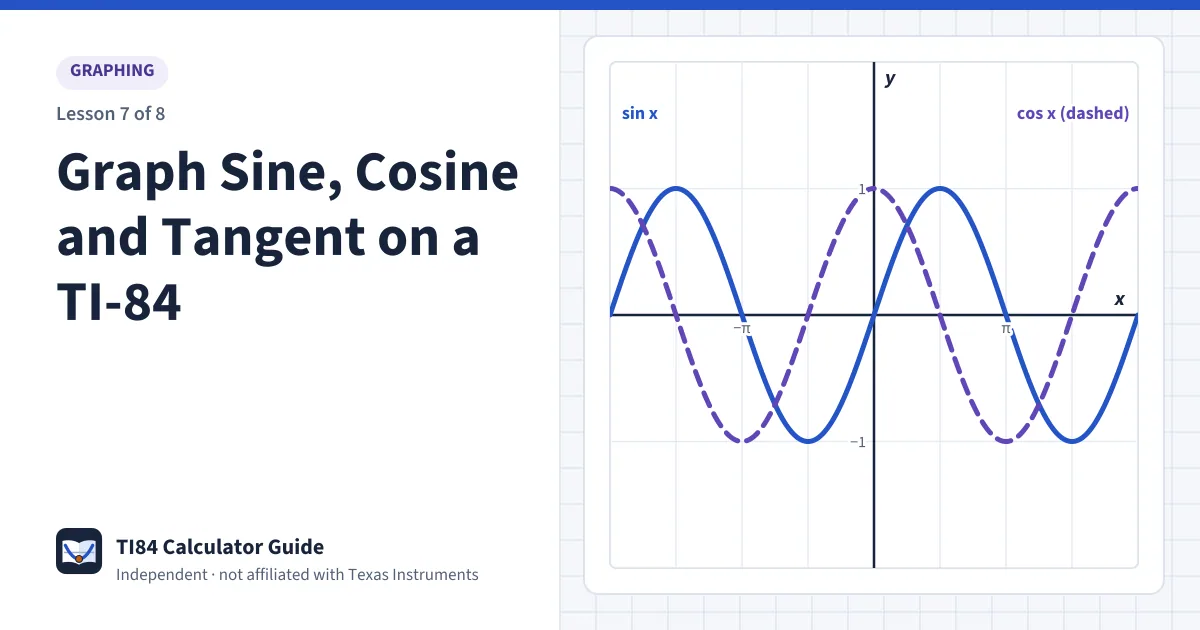
Y1=sin(X), Radian mode gives the familiar wave with period 2π ≈ 6.28; Degree mode stretches it so one period is 360 units wide. In the standard −10 to 10 window, a degree-mode sine looks almost flat. See graphing sine, cosine and tangent. - Inverse trig.
sin⁻¹(.5)returns 30 in Degree mode and .5235987756 (π/6) in Radian mode.
Common mistakes
- Mode changed by someone else. A borrowed or class calculator may be in the other mode. Check before a test.
- Mixing a degree marker with radian intent.
sin(π/2°)treats π/2 as degrees — about 1.57° — which is not what you meant. - Thinking a reset is needed. Changing MODE is enough; no memory is affected.
Practice in your browser
Our independent scientific calculator has a Degree/Radian switch, and it reports sin 30° = 0.5 and sin(π/2) = 1 in the matching modes. It is a practice tool, not a TI-84 emulator, so it has no ANGLE menu; use it to check values, then repeat the keystrokes on your calculator.
Sources
- TI-84 Plus Graphing Calculator Guidebook (PDF) — Texas Instruments (checked November 23, 2026)
- Getting Started with the TI-84 Plus CE Graphing Calculator (PDF) — Texas Instruments (checked November 23, 2026)
How this guide was made: written by Paul B. Spicer with AI drafting assistance, following our editorial policy. Key sequences and menu names were checked against the Texas Instruments documents listed above; numeric examples are recomputed by automated tests. Diagrams are original illustrations, not screenshots. TI84 Calculator Guide is independently operated and is not affiliated with, sponsored by or endorsed by Texas Instruments. TI-84 Plus, TI-84 Plus CE and related names are used only to describe the calculators our guides cover. Found a mistake? Send a correction.