“Dimension” means size: how many elements a list has, or how many rows and columns a matrix has. The TI-84 checks sizes before it calculates and stops with a dimension error when they do not fit.
Two related errors
- ERR:DIM MISMATCH — the TI-84 Plus guidebook describes this as an operation on lists or matrices whose dimensions differ when they need to agree.
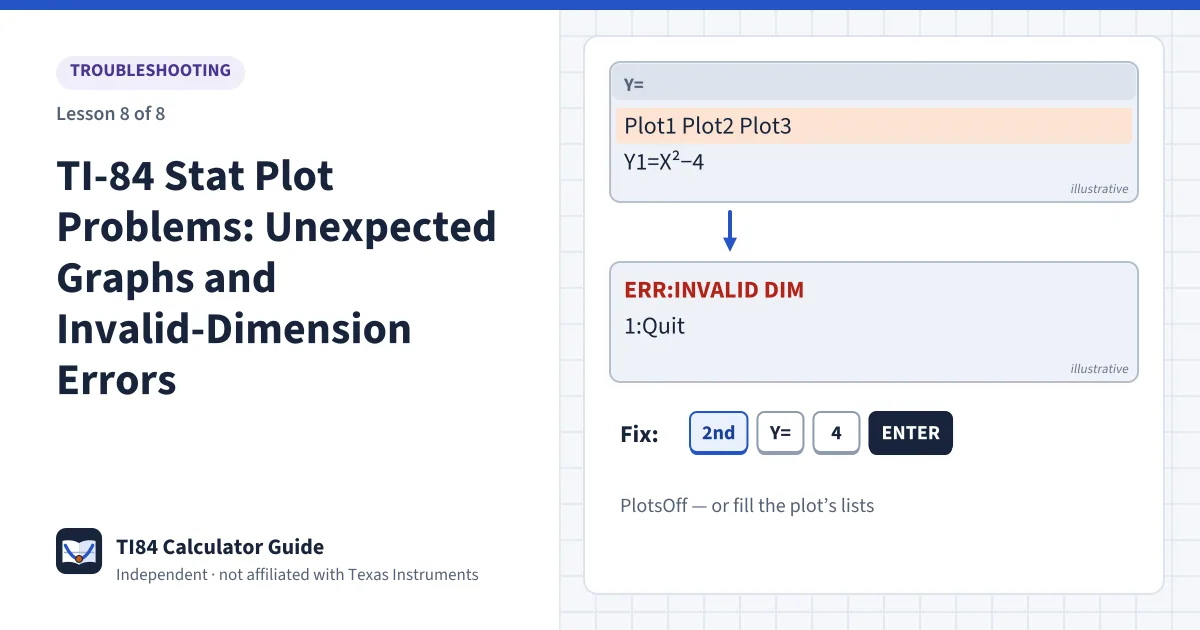
- ERR:INVALID DIM — a dimension is not valid for the operation, such as a list size of 0 where data are needed. The guidebook notes it can be triggered by Stat Plots when graphing.
Lists: paired data must line up
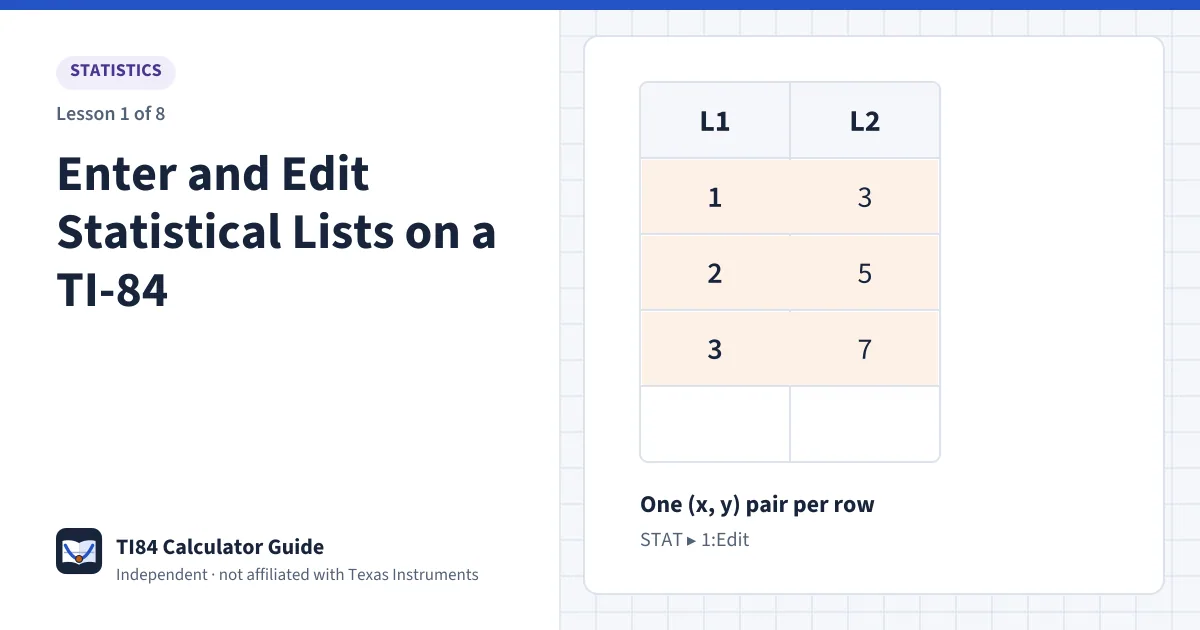
Two-variable commands (LinReg, scatter plots, 2-Var Stats) pair L1 with L2 row by row. If L1 has 5 values and L2 has 4, there is a pair with no partner and the TI-84 stops with DIM MISMATCH.
Repair without breaking pairs:
- Open STAT 1:Edit and scroll to the bottom of both lists.
- Find where the lengths diverge — the editor shows the element count as you move (e.g.
L2(5)=). - Add the missing value in the right row, or delete the extra value and its partner.
Never “fix” the length by adding a 0: a zero is a real data value and distorts every result. Also check frequency lists — a FreqList must be the same length as the data list.
Matrices: the multiplication rule
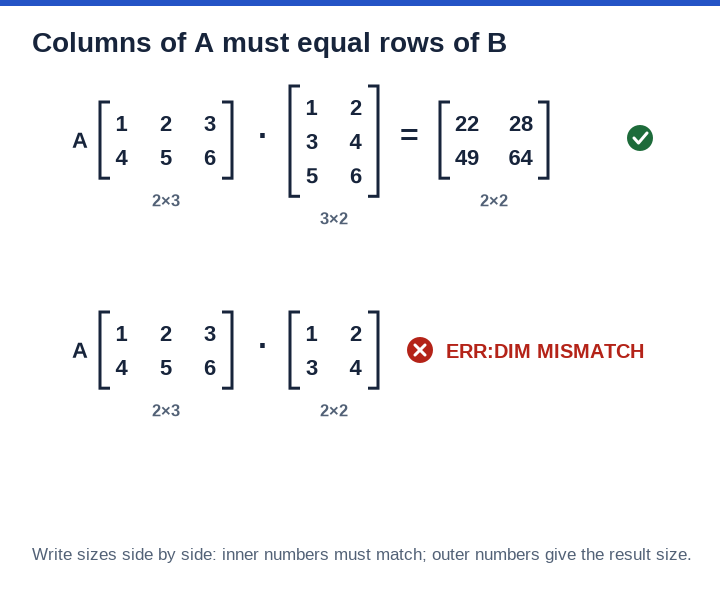
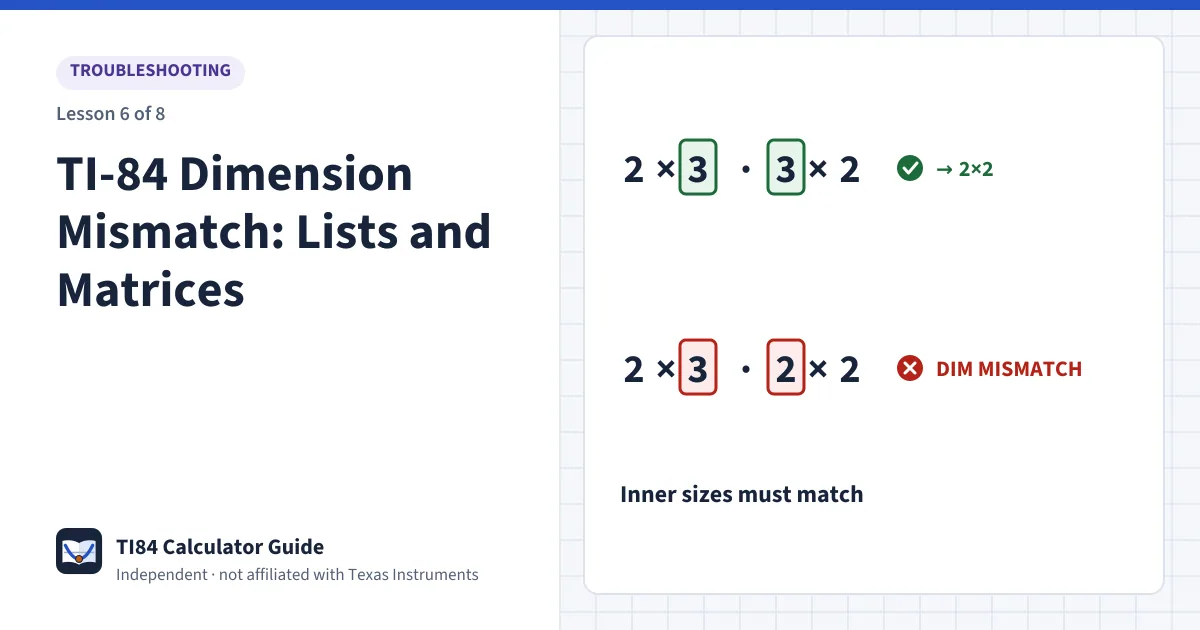
Write the sizes side by side. For A·B:
- 2×3 · 3×2 → inner numbers 3 and 3 match → result is 2×2. ✓
- 2×3 · 2×2 → inner numbers 3 and 2 differ → ERR:DIM MISMATCH. ✗
Worked example: A = [[1, 2, 3], [4, 5, 6]] (2×3) and B = [[1, 2], [3, 4], [5, 6]] (3×2) give A·B = [[22, 28], [49, 64]]. Check the top-left entry: 1·1 + 2·3 + 3·5 = 22.
Other matrix size rules:
| Operation | Requirement |
|---|---|
| A + B, A − B | Exactly the same size |
| A·B | Columns of A = rows of B |
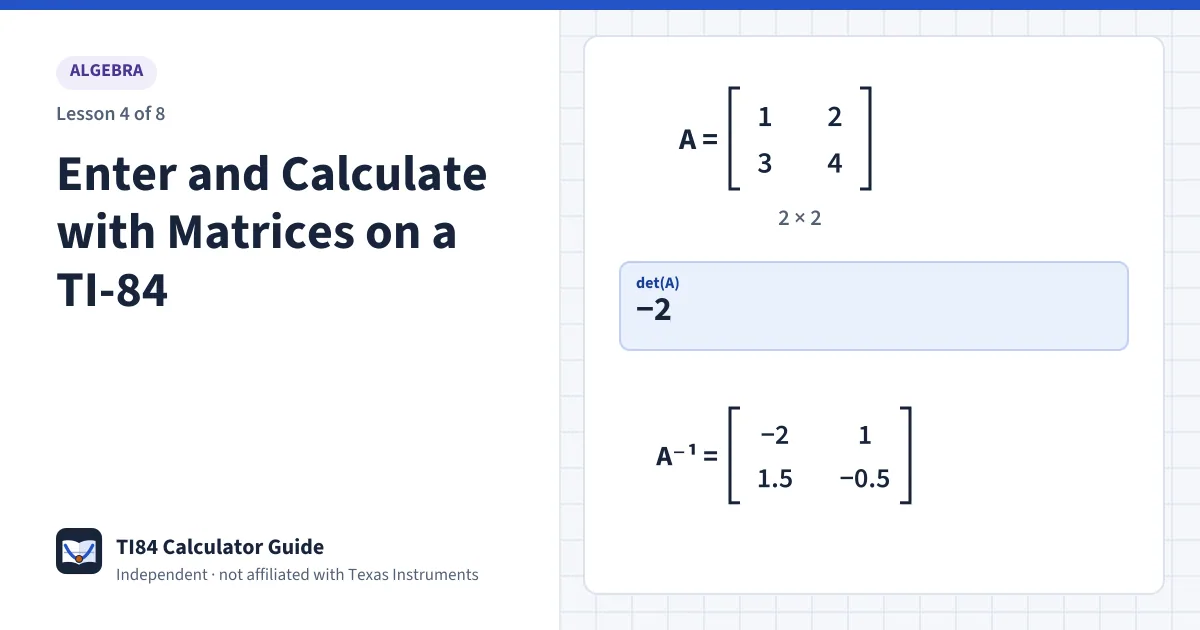
| det(A), A⁻¹ | A is square |
| A⁻¹[B] for a system | [B] has as many rows as A |
The order of a product matters: B·A here is 3×2 · 2×3, which is valid but gives a different 3×3 matrix.
Check sizes quickly
dim(L1)(from 2nd STAT LIST ▸ OPS) returns a list’s length.dim([A])(MATRIX ▸ MATH) returns {rows, columns}.- The matrix editor shows the size on its top line.
When INVALID DIM appears on GRAPH
If pressing GRAPH gives INVALID DIM, a Stat Plot is probably switched on and pointing to an empty list. Turn it off at the top of Y= or with 2nd Y= ▸ 4:PlotsOff. The stat plot guide covers this.
Common mistakes
- Padding a list with zeros to make lengths match.
- Reversing a matrix product and expecting the same result.
- Entering a system’s constants as a row instead of a column — [B] should be n×1.
Practice
Our independent matrix calculator explains dimension errors in words (for example, “A·B needs the number of columns of A (3) to equal the number of rows of B (2)”) and never fills empty cells with zero. It handles matrices up to 4×4 and is not a TI-84 emulator.
Sources
- TI-84 Plus Graphing Calculator Guidebook (PDF) — Texas Instruments (checked November 23, 2026)
How this guide was made: written by Paul B. Spicer with AI drafting assistance, following our editorial policy. Key sequences and menu names were checked against the Texas Instruments documents listed above; numeric examples are recomputed by automated tests. Diagrams are original illustrations, not screenshots. TI84 Calculator Guide is independently operated and is not affiliated with, sponsored by or endorsed by Texas Instruments. TI-84 Plus, TI-84 Plus CE and related names are used only to describe the calculators our guides cover. Found a mistake? Send a correction.