A TI-84 has two kinds of memory, and “memory full” means different things in each. Understanding the difference lets you free space without losing anything you need.
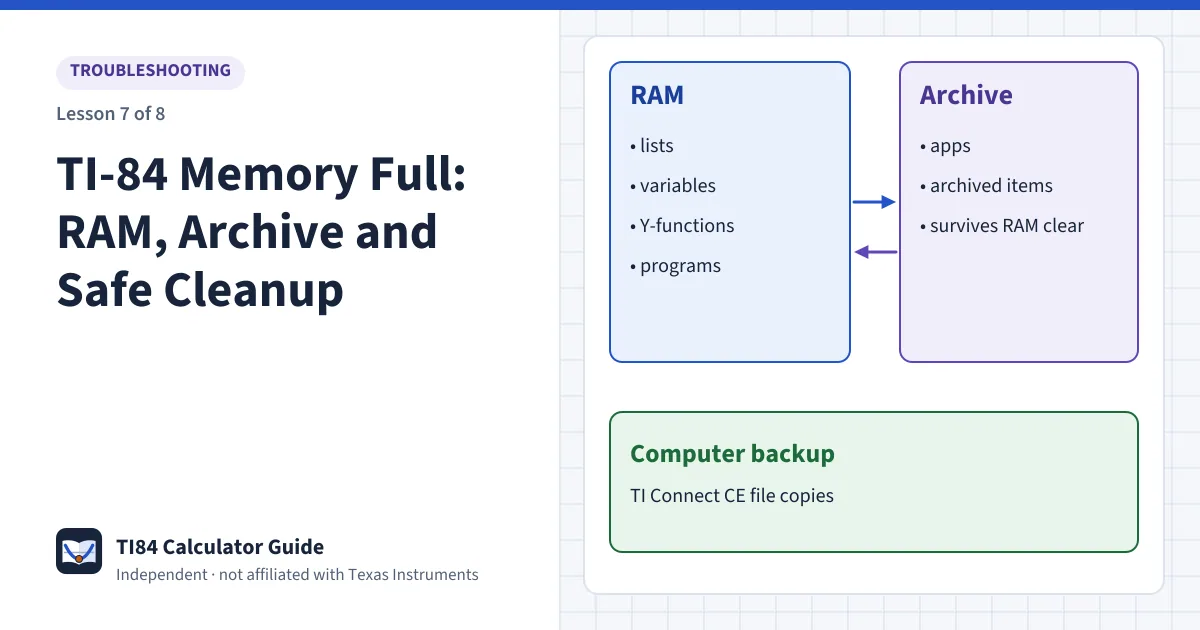
RAM versus archive
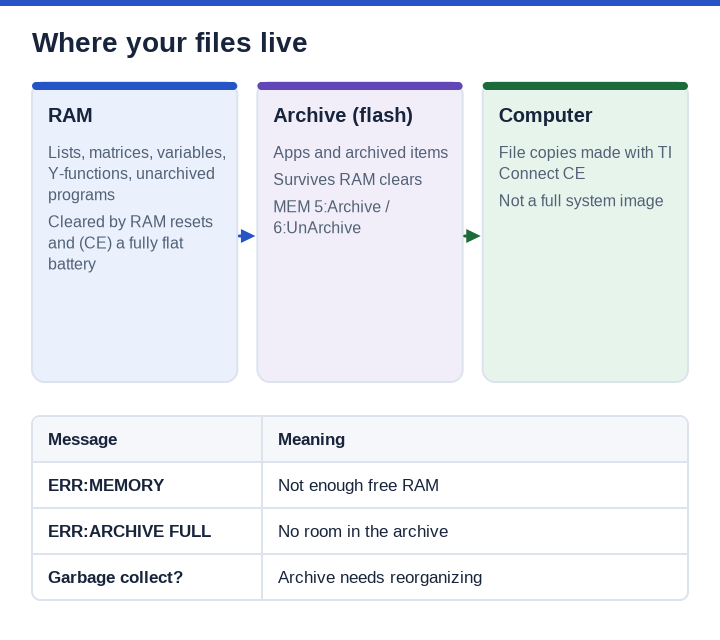
- RAM is working memory. Lists, matrices, variables, Y-functions and programs you are running live here. A RAM reset, a RAM clear from the reset button or (on a CE) a fully flat battery erases it.
- Archive is flash storage. Apps and anything you choose to archive live here and survive RAM clears. Archived items cannot be edited or run directly in every case; you may need to unarchive them first.
Capacities differ by model. Texas Instruments’ published specifications give the TI-84 Plus 24 KB of RAM and 480 KB of flash ROM, and list the TI-84 Plus CE family with 149 KB of RAM and 3 MB of flash. Some of each is used by the system and apps.
Step 1: See what is using space
- Press 2nd + (MEM).
- Choose 2:Mem Mgmt/Del. The top lines show free RAM and free archive.
- Choose a category (e.g. Prgm, List, Matrix, Apps, or All). Each item shows its size; archived items are marked with an asterisk (*).
Large lists and programs are the usual culprits.
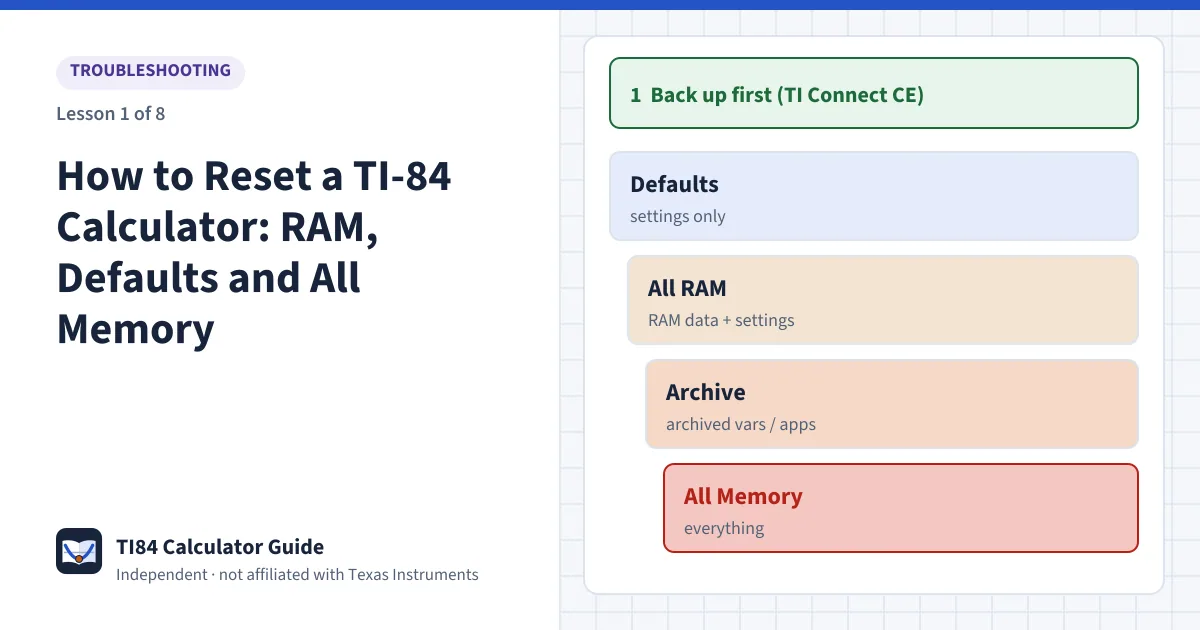
Step 2: Back up first
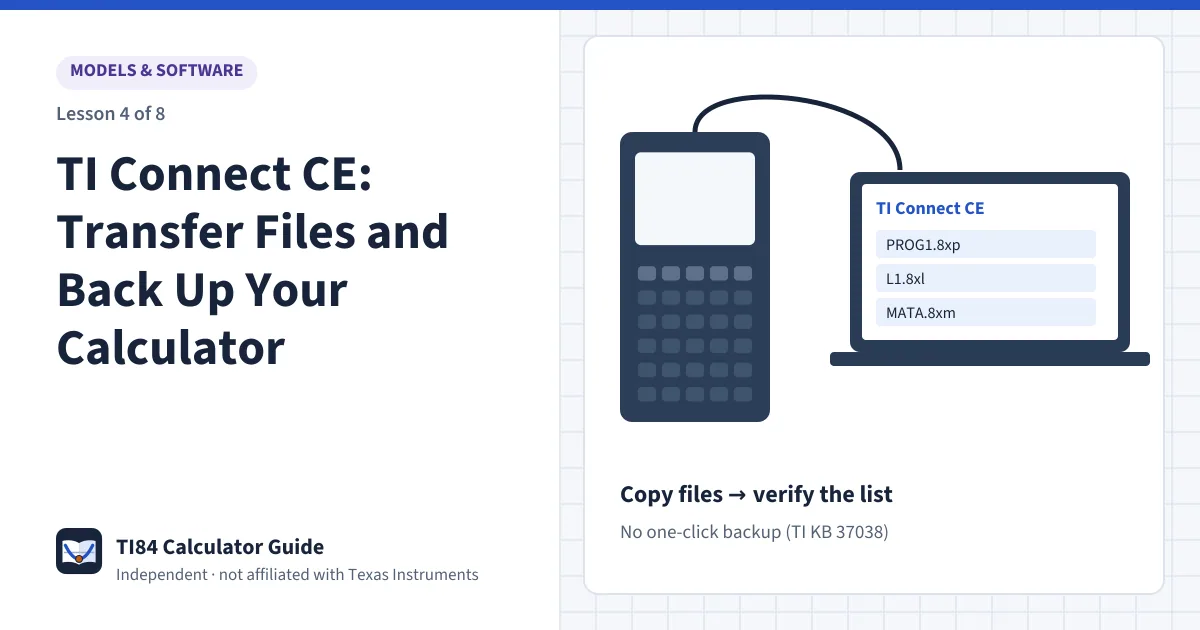
Before deleting anything, copy what you want to keep to a computer with TI Connect CE. TI’s Solution 37038 explains that TI Connect CE does not have a single built-in backup-and-restore function — you copy selected files to the computer. See TI Connect CE transfer and backup.
Step 3: Free space selectively
In Mem Mgmt/Del:
- Delete: move to an item and press DEL. Confirm when asked. This is permanent.
- Archive: move to an item and press ENTER to toggle the asterisk (on calculators that support this in the list), or use 2nd + 5:Archive followed by the item name. Archiving moves it out of RAM.
- Unarchive: 2nd + 6:UnArchive brings it back to RAM when you need to edit or run it.
To clear the contents of lists without deleting them, use 4:ClrAllLists from the MEM menu.
Which error do you have?
| Message | Meaning | First fix |
|---|---|---|
| ERR:MEMORY | Not enough free RAM for the operation | Delete or archive large RAM items |
| ERR:ARCHIVE FULL | No room in the archive | Delete archived items or apps you do not use (after backup) |
| Garbage collect? | The archive needs reorganizing to reuse freed space | Allow it; it can take a while |
The TI-84 Plus guidebook describes garbage collection: when you archive and delete many times, freed archive space becomes fragmented, and the calculator periodically reorganizes it. You can also start it with the GarbageCollect command from the catalog.
What not to do
Common mistakes
- Deleting apps you need for class — many are preinstalled; check before deleting.
- Keeping many copies of the same program — check for duplicates.
- Relying on RAM for important work on a CE — a flat battery clears RAM; archive or back up.
Sources
- TI-84 Plus Graphing Calculator Guidebook (PDF), memory management — Texas Instruments (checked November 23, 2026)
- Solution 37038: Backup and restore TI-84 Plus family files with TI Connect CE — Texas Instruments (checked November 23, 2026)
- TI-84 Plus technical specifications — Texas Instruments (checked November 23, 2026)
How this guide was made: written by Paul B. Spicer with AI drafting assistance, following our editorial policy. Key sequences and menu names were checked against the Texas Instruments documents listed above; numeric examples are recomputed by automated tests. Diagrams are original illustrations, not screenshots. TI84 Calculator Guide is independently operated and is not affiliated with, sponsored by or endorsed by Texas Instruments. TI-84 Plus, TI-84 Plus CE and related names are used only to describe the calculators our guides cover. Found a mistake? Send a correction.